7 Signs Your Business Has Outgrown Excel (and What Next)
· Updated · 8 min read
Picture the office manager at a small courier firm. (This is a made-up example, but a familiar one.) It's Monday morning. She opens a file called Jobs_FINAL_v7_use-this-one.xlsx, checks it against a WhatsApp thread, and spots that two drivers have been sent to the same address. Nobody did anything wrong. The spreadsheet simply stopped being able to carry the weight.
If that sounds uncomfortably close to home, you may be seeing the signs your business has outgrown Excel. This guide walks through seven of them, gives you a quick way to score yourself honestly, and explains what to do next without stopping the business to do it.
First, let's be fair to Excel
Excel is brilliant at what it was made for: quick sums, one-off analysis, a budget you build on a Sunday evening. Plenty of good businesses started on a spreadsheet, and there's nothing embarrassing about that. After almost 10 years of building software for small and medium-sized businesses, we've seen it many times. The spreadsheet was the right tool on day one.
The trouble starts when a file that was meant to be a calculator quietly becomes the place where your whole business lives. Orders, customers, bookings, stock, who owes what. At that point you're not really using a spreadsheet any more. You're running a database with no safety rails.
How to tell your business has outgrown Excel
No single sign below means you must rush off and build something. But the more of them you recognise, the more it's worth paying attention.
1. One person holds the whole thing together
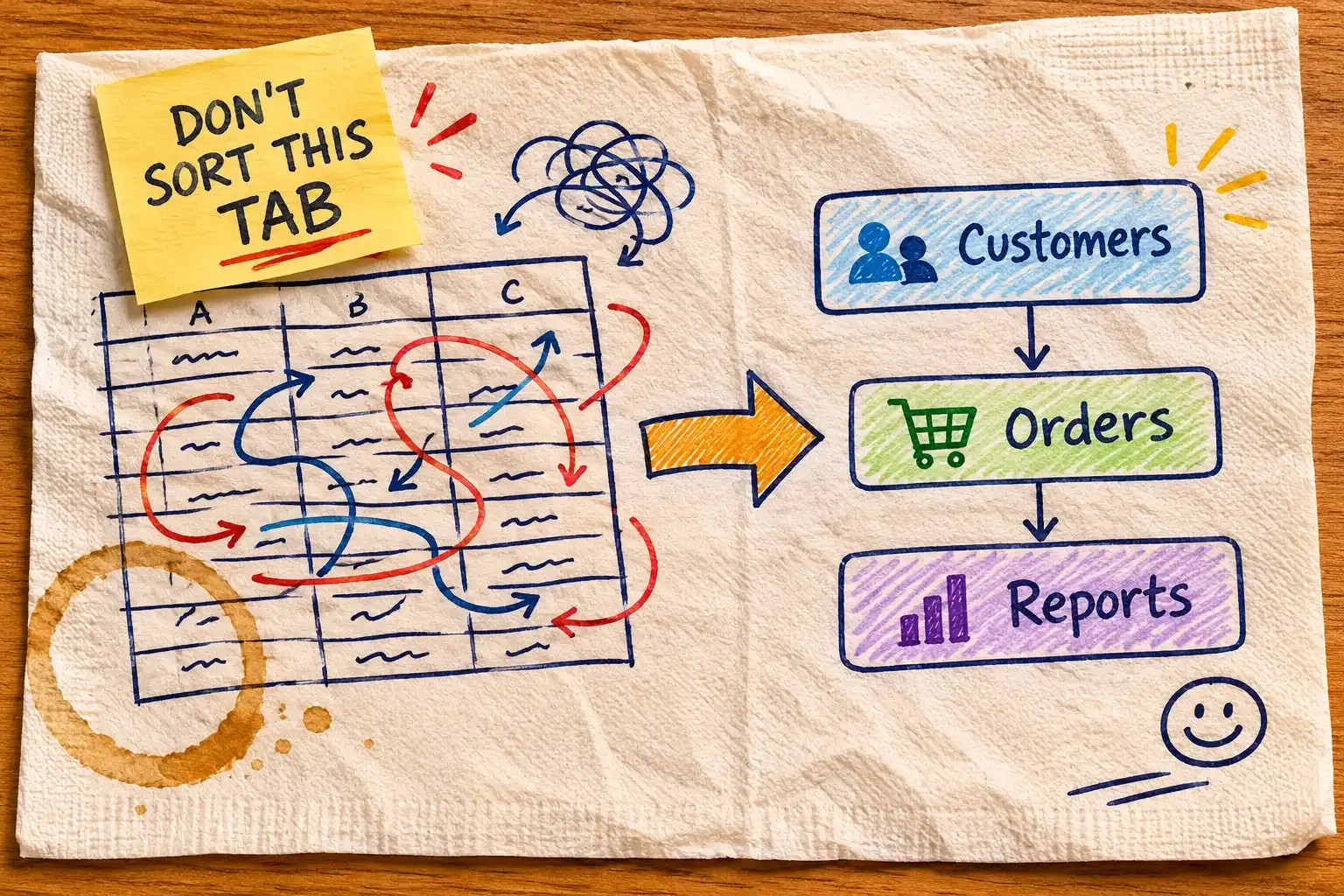
If that person were off for a fortnight, could anyone else run the process? When the honest answer is "not really", the spreadsheet has become a single point of failure. It isn't necessarily that the file is complicated. It's that the rules live in someone's head: which column to ignore, which colour means "chase this", which tab you must never sort.
2. You type the same information in more than once
A customer's details go into the sheet, then into your invoicing tool, then into an email, then onto a job card. Every re-type is a chance for a typo and a few minutes you don't get back. If you're copying and pasting between systems every day, that's a sign those systems should be talking to each other instead of relying on you.
3. Nobody's sure which version is the real one
Report_final. Report_final2. Report_final_JB_edits. Add email attachments, a shared drive and a copy on someone's desktop, and you have four "latest" versions. When two people edit at once and one overwrites the other, you lose work. Worse, you might not notice until a customer does.
4. You're afraid to touch the formulas
Somewhere in the file is a chain of formulas built years ago, perhaps by someone who has since left. One wrong drag and the totals shift. If everyone tiptoes around certain cells, the sheet has stopped being a tool and become a liability.
5. Customers and staff keep asking you for updates
"Where's my order?" "What time is my appointment?" "Has my job been scheduled yet?" If the answers live in a spreadsheet only you can read, every question becomes a phone call or a message. A simple customer portal, where people can check things themselves, takes that weight off your team. It's one of the most common things small businesses ask us about.
6. Everyone can see everything
Share a sheet with the whole team and the whole team sees every column: customer contact details, pricing, maybe staff information. Excel does let you protect cells, but managing who sees what by role gets awkward fast. If personal data sits in shared files, it's worth getting professional advice on your responsibilities under UK GDPR. That's general information, not legal advice.
7. The work waits for the spreadsheet
The file takes a minute to open. A filter breaks half the rows. Your driver can't update it from the van. A weekly report takes someone an entire afternoon to assemble. When people plan their day around the limits of a tool, that tool is costing you more than you think.
Score yourself: how many signs is too many?
Count how many of the seven you recognise. This isn't a scientific test, just a rough guide to start a conversation with yourself or your team.
0 to 1 signs: Excel is probably still serving you. Tidy the file, write down how it works, and carry on.
2 to 3 signs: The pain is real. Work out which one costs you the most time or causes the most mistakes, and focus there first.
4 or more: The spreadsheet is likely holding the business back. It's time to look at alternatives seriously.
One useful trick: ask your team which part of the spreadsheet they dread. The answer is usually the first thing worth fixing.
What to do next without stopping the business
You have three realistic routes, and none of them is wrong for everyone.
Tidy up what you have
Sometimes the file just needs rules: one owner, one location, clear naming, locked formulas. This is the cheapest option and often buys you another year or two. It won't fix double entry or give customers self-service, but it can calm things down.
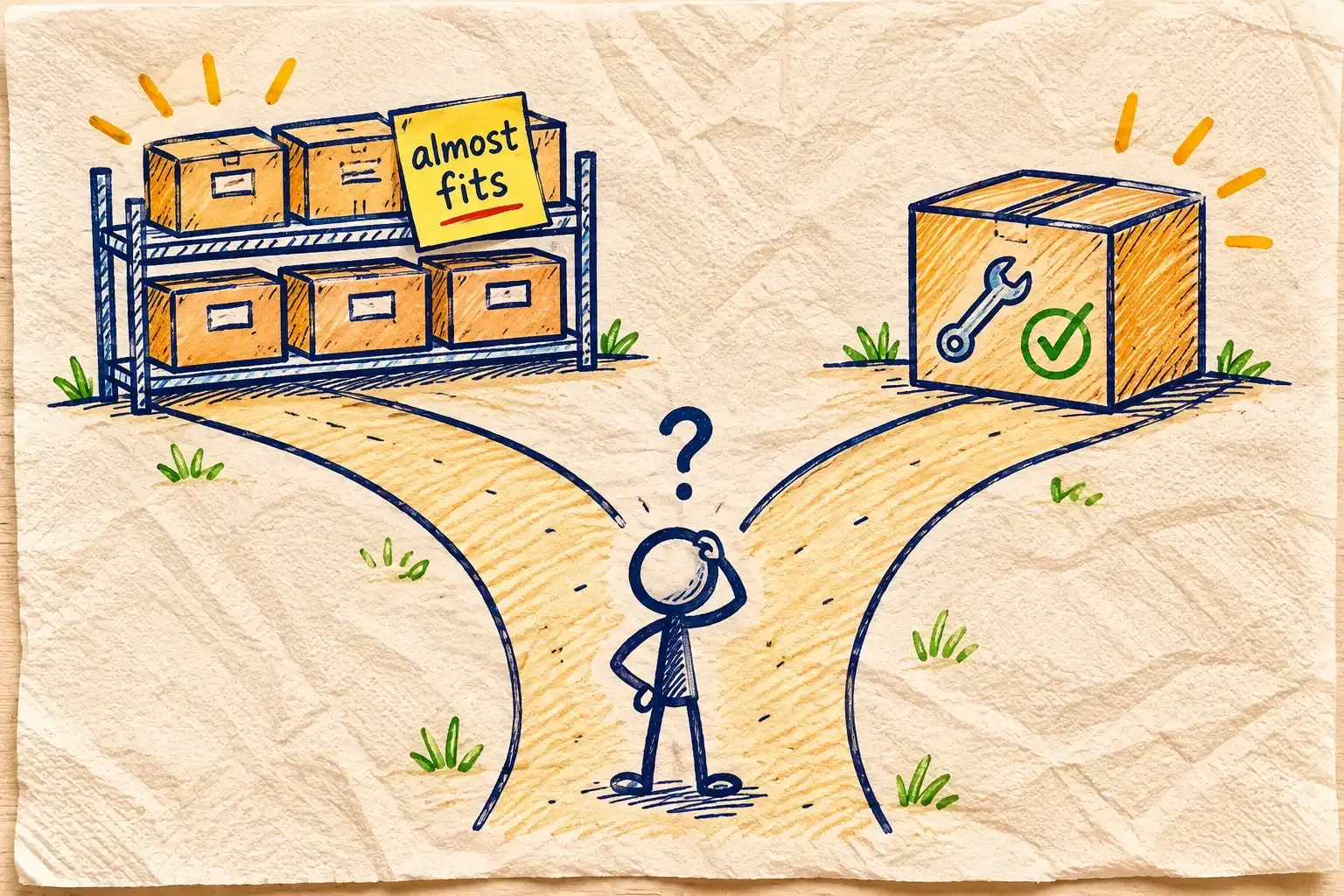
Buy something off the shelf
If your process is fairly standard, existing software may fit well. Check it handles your quirks before you commit, because the "one odd thing we always do" is where off-the-shelf tools tend to struggle. (We'll compare the two routes properly in a future post.)
Build a system around the way you actually work
If your process is what makes your business different, or you've bent your workflow to fit a tool, custom software can mirror how you really operate. Think a booking system, a customer portal, a dashboard or an internal tool that replaces the spreadsheet and links to the other systems you use.
Start with the one thing that hurts most
You don't have to replace everything at once. In our experience, a working version in weeks beats a perfect specification in months. For a medium-sized CRM or ERP, a working first version typically takes about 4 to 6 weeks, though it depends on scope and larger systems take longer.
Expect to change your mind along the way. Clients almost always ask for changes once they see the working product, and that's normal and healthy. It's why we plan for it with weekly demos and room for revisions, rather than pretending we can get everything right on paper.
What a first step with us looks like
If you'd like a second opinion, the first step is a free scoping call. You tell us how the business runs today, spreadsheets, email threads, WhatsApp and all. We ask questions in plain English. Then we write up a scope and a fixed price, so you know what you're agreeing to before anything starts. After that it's a deposit and milestone payments, weekly demos, launch and support.
You don't need to be technical or arrive with a perfect brief. A messy spreadsheet and a clear sense of what annoys you is a good starting point. You can see the kinds of projects we've delivered on our work page, or read more about who we are.
Frequently asked questions
When should a small business stop using Excel?
There's no fixed point, but it's time to look at alternatives when mistakes, double entry or version confusion start costing you time or customers. If you recognise four or more of the signs above, it's worth a serious conversation.
Is Google Sheets any better than Excel?
Google Sheets makes sharing and simultaneous editing easier, which helps with version chaos. But it's still a spreadsheet, so the structural problems remain: no proper permissions by role, easy to break formulas, and no automatic link to your other systems.
Can I move from Excel to custom software without stopping the business?
Yes. A sensible approach is to replace one painful part first and keep the spreadsheet running alongside until the new system has proved itself. You can then move over step by step rather than switching everything on one day.
Do I need to be technical to work with a software company?
No. You know your business and what you want it to do. A good software company turns that into a plan in plain English, and shows you working progress regularly so you can steer as you go.
Ready to talk it through?
If your spreadsheet is starting to feel like a full-time job, we'd be happy to look at it with you. Book a free scoping call and we'll help you work out whether you need a tidy-up, a tool off the shelf, or something built around you.
Not sure which side you are on?
Tell us about your process and we will tell you honestly.
Tell us about your process